Getting started
Addaa helps you coordinate hangouts, scheduled events, discovery, and carpools. This page covers first-time setup and where to find things in the app.
Install the app
- Download Addaa from the App Store (iOS) or Google Play (Android), or use the web app if your team publishes one.
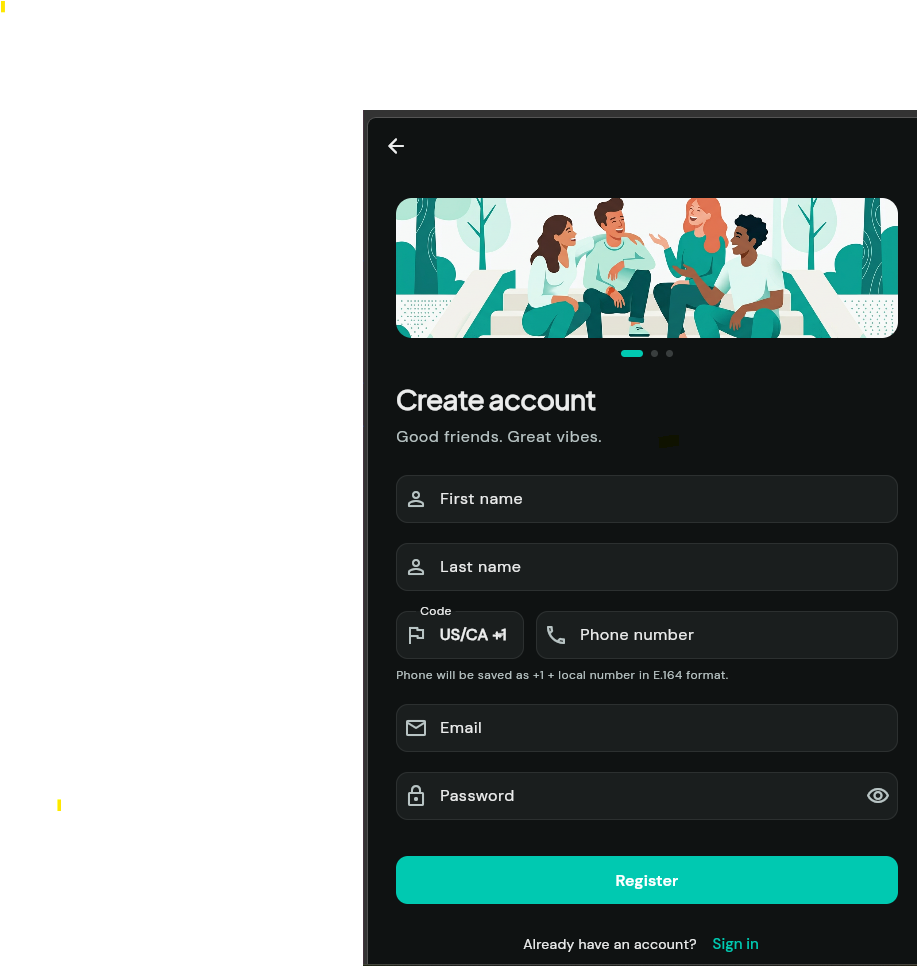
- Open the app and choose Register or Log in.
Tip: Use a phone number with country code for the smoothest verification flow.
Account & sign-in
Sign-in uses your phone (and/or email, depending on your build). After verification, your session stays active until you log out or clear app data.
Location
Many features—quick meetups, discovery, nearby friends, carpools—need approximate location. When prompted, allow While using the app. You can review privacy options under Settings.
Home & Calendar
- Home — What’s happening now, upcoming items, pending invites, and quick actions (e.g. I’m free).
- Calendar — Your events and other scheduled items in a calendar view; use + to start creating.
- Invites — Central place to accept or decline event and activity invites.
Screenshots
Drop exported PNGs or WebP files into help/images/ and replace the blocks below with <img src="images/your-file.png" alt="…"> for clearer guides.